
1/4

ත්රිකුණාමලය, කින්නියා, 27/06
1 දැක්ම්
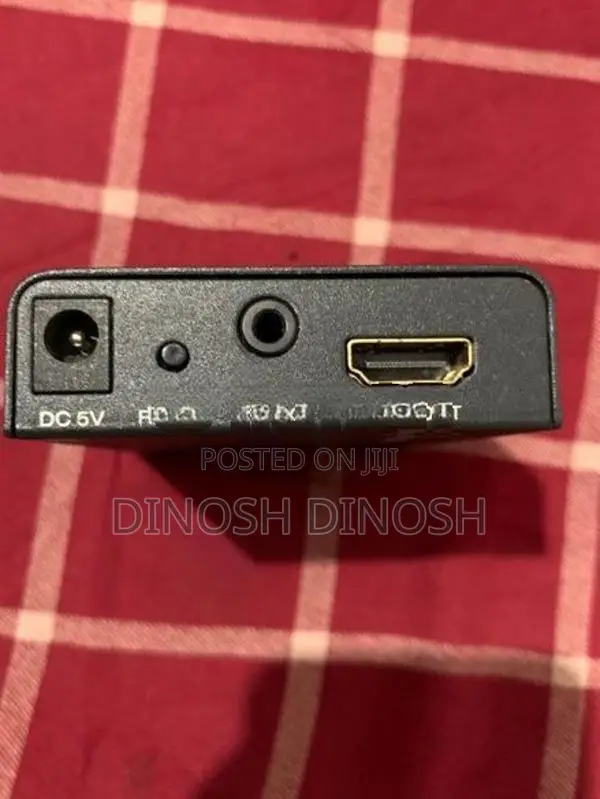
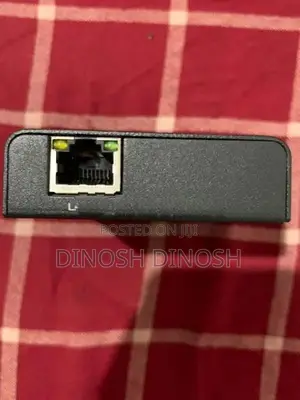
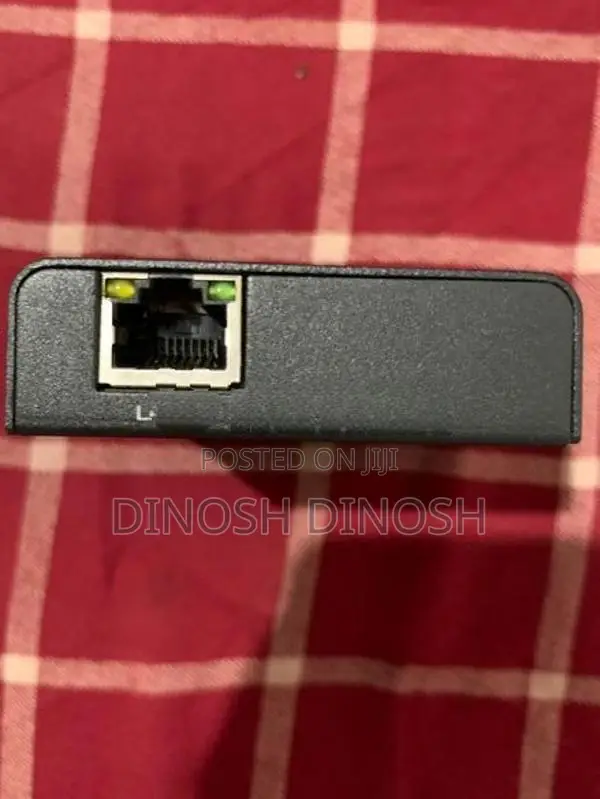
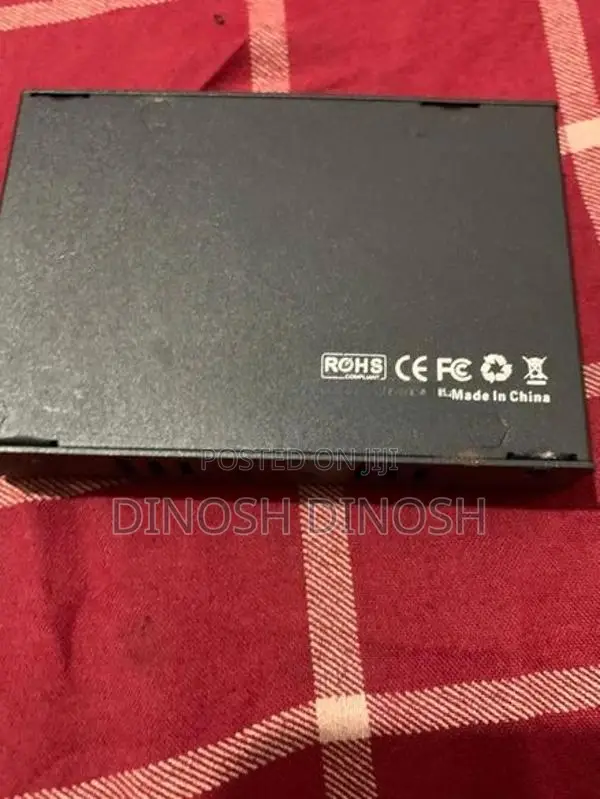
HDMI Extender Transmitter
භාවිතා කළ
තත්ත්වය
Necessary Equipment HDMI Extender Transmitter (TX): The companion unit connected to your source device. Category Network Cable: One Cat5e, Cat6, or Cat7 Ethernet cable. Two HDMI Cables: One for the source, one for the display. Power Supplies: Usually 5V or 12V DC adapters (some systems power both units from one side). Step-by-Step Setup Guide Connect the Source: Plug an HDMI cable from your media player, console, or PC into the HDMI IN port on the Transmitter (TX) unit. Link the Extender Units: Connect one end of your Ethernet network cable into the RJ45 / Link port of the TX unit. Plug the other end into the RJ45 / Link port of this Receiver (RX) unit. Connect the Display: Plug a second HDMI cable from the HDMI OUT port on this Receiver (RX) unit into your TV, monitor, or projector. Power the System: Plug the provided power adapters ...

ආරක්ෂිත උපදෙස්
- ඉදිරියෙන් ගෙවීම් කිරීමෙන් වළකින්න, ඇතුළත් කිරීම සඳහා පවා
- විකුණුම්කරු සමඟ ආරක්ෂිත මහජන ස්ථානයක හමුවන්න
- අයිතමය පරීක්ෂා කර ඔබට අවශ්ය දේ බවට වග බලා ගන්න
- ඇසුරුම් කළ අයිතමය ඔබ පරීක්ෂා කළ එකම බවට වග බලා ගන්න
- ඔබ සෑහීමකට පත්වන්නේ නම් පමණක් ගෙවන්න


