
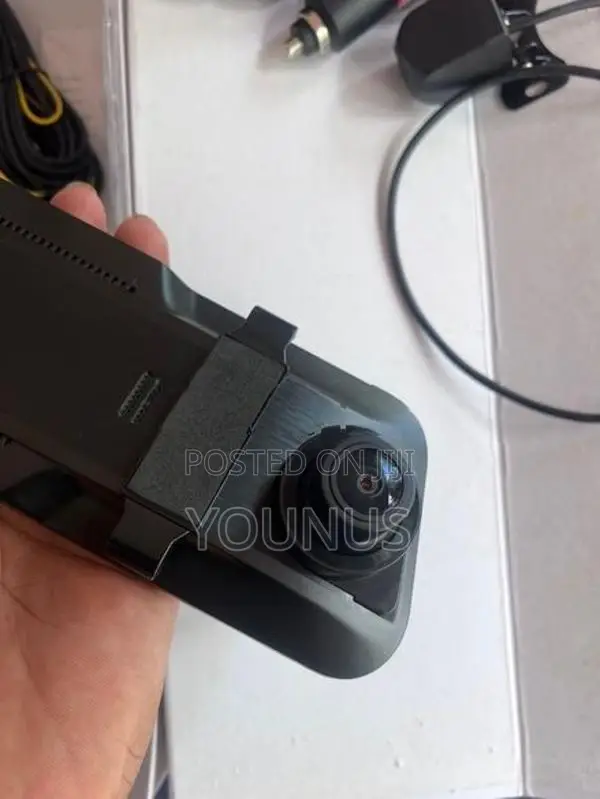
1/5
Kandy, 09/09
1 views
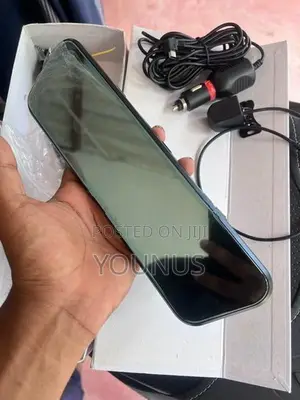
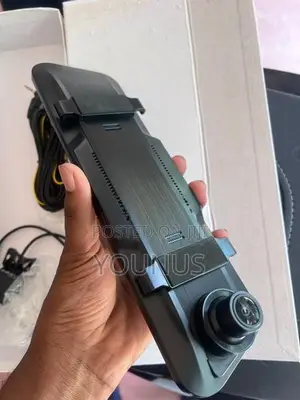
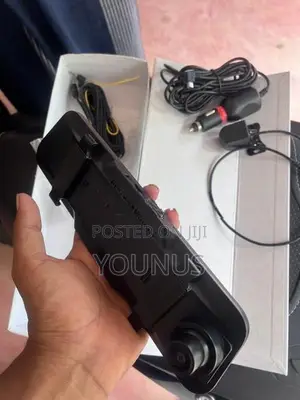
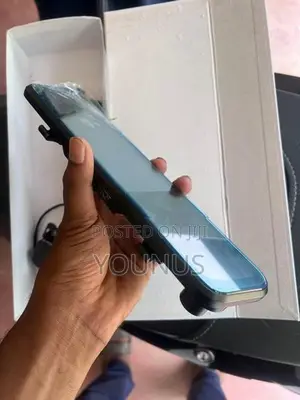
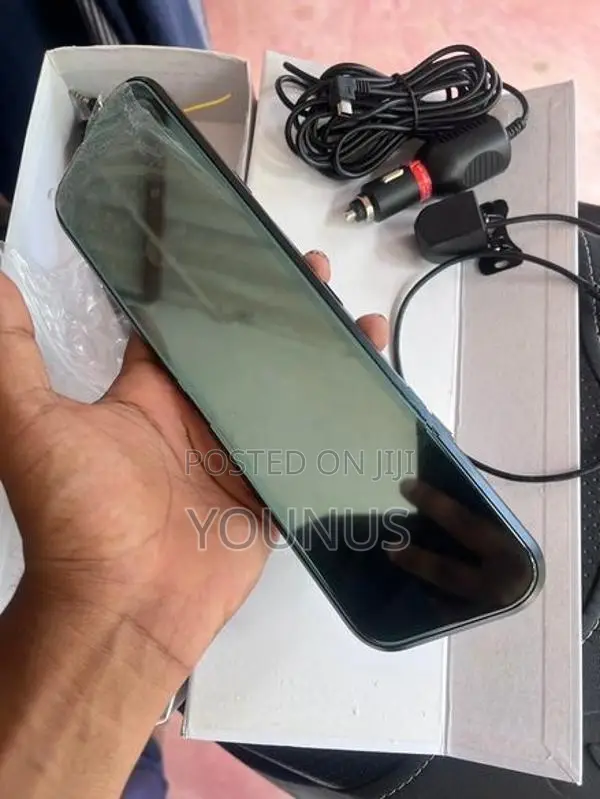
Reverse Camera
Brand New
Condition
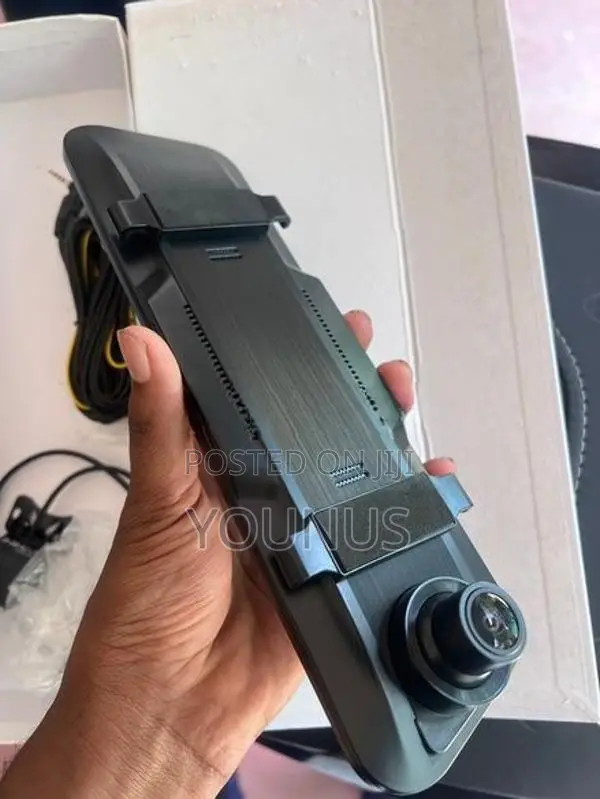
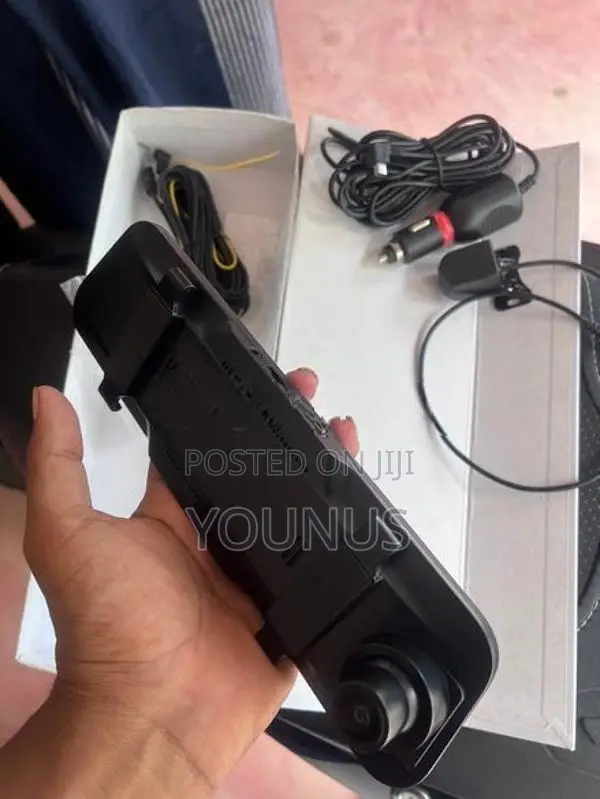
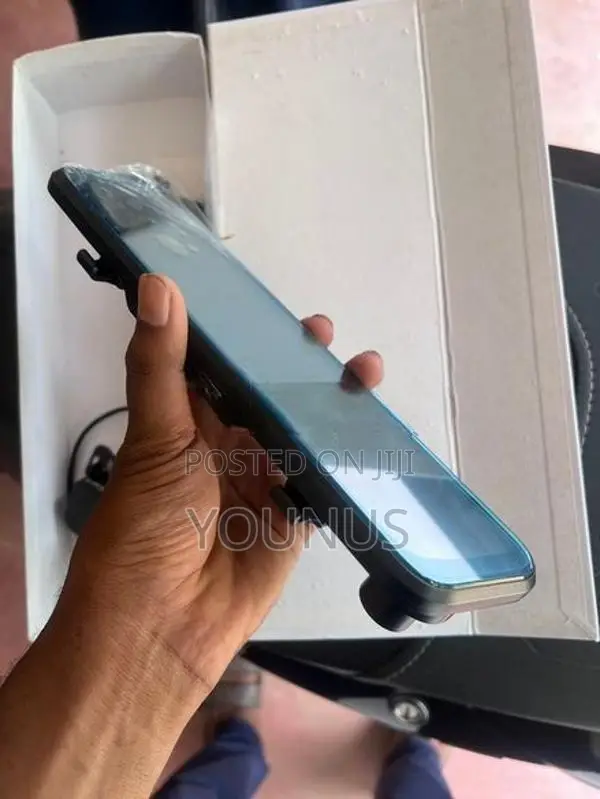
Product Manual Product Description Product Structure 1) USB data interface 3) TF card slot 2) Rear pull camera interface 5) OK key 4) GPS Interface reserved 7) upward selection button 6) down select button 8) Mode selection key / menu button 9) power supply key 10) LCD screen 11) REST 12) horn 13) back clip fixation hook 14) lens Key function description: 1) USB data interface USB data interface, which is used to connect the PC transmission data; II is used to connect the external power supply to the battery charge or provide work power; 2) Rear pull camera interface 3) TF card slot Memory card slot 4) GPS Interface reserved 5) OK key Video and photo confirmation button, video mode, press this button to start the video, press the video button again to stop the video; press this button to shoot photos; 6) down select button Menu optio ...
Rs 18,000
Safety tips
- Avoid sending any prepayments
- Meet with the seller at a safe public place
- Inspect what you're going to buy to make sure it's what you need
- Check all the docs and only pay if you're satisfied


